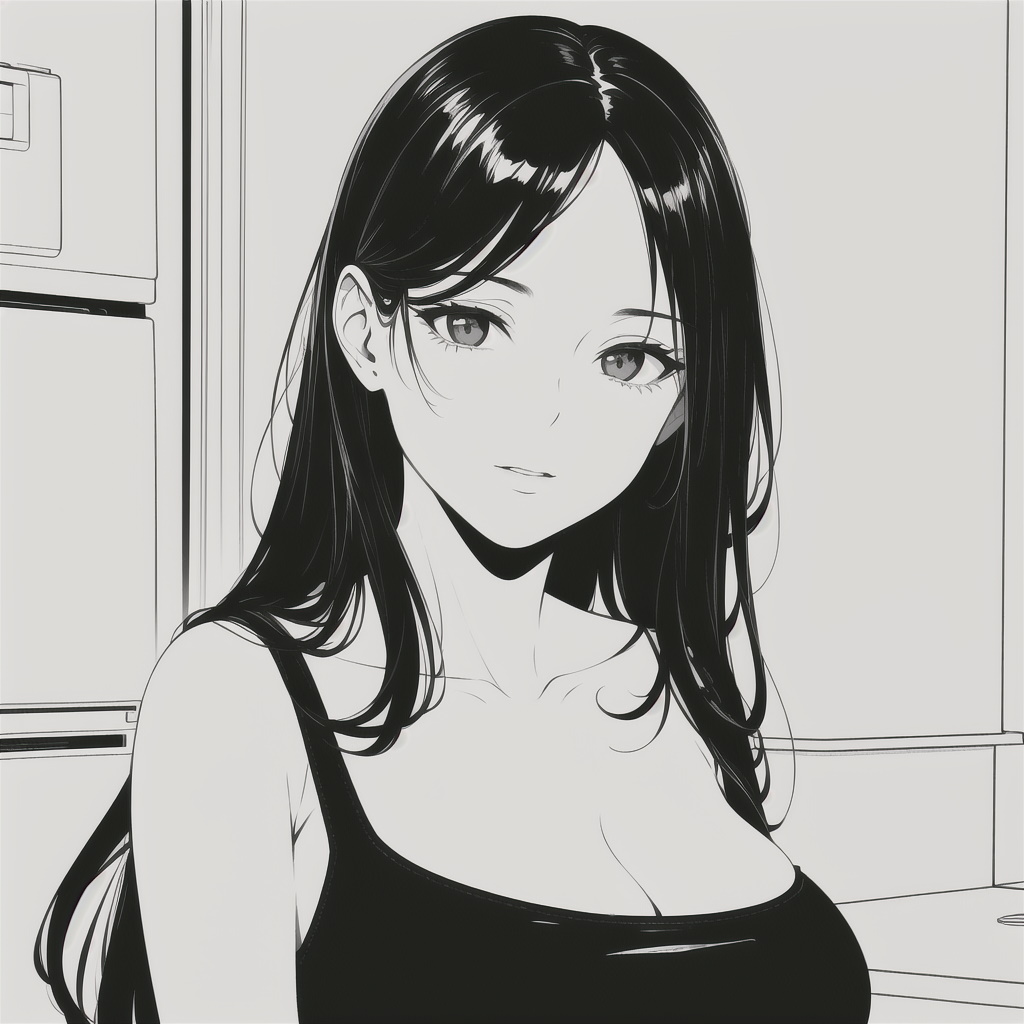
prompt guide
My guide for creating manga-style art.
My incredibly simple guide for creating manga-style art.
Getting the right models and Loras.
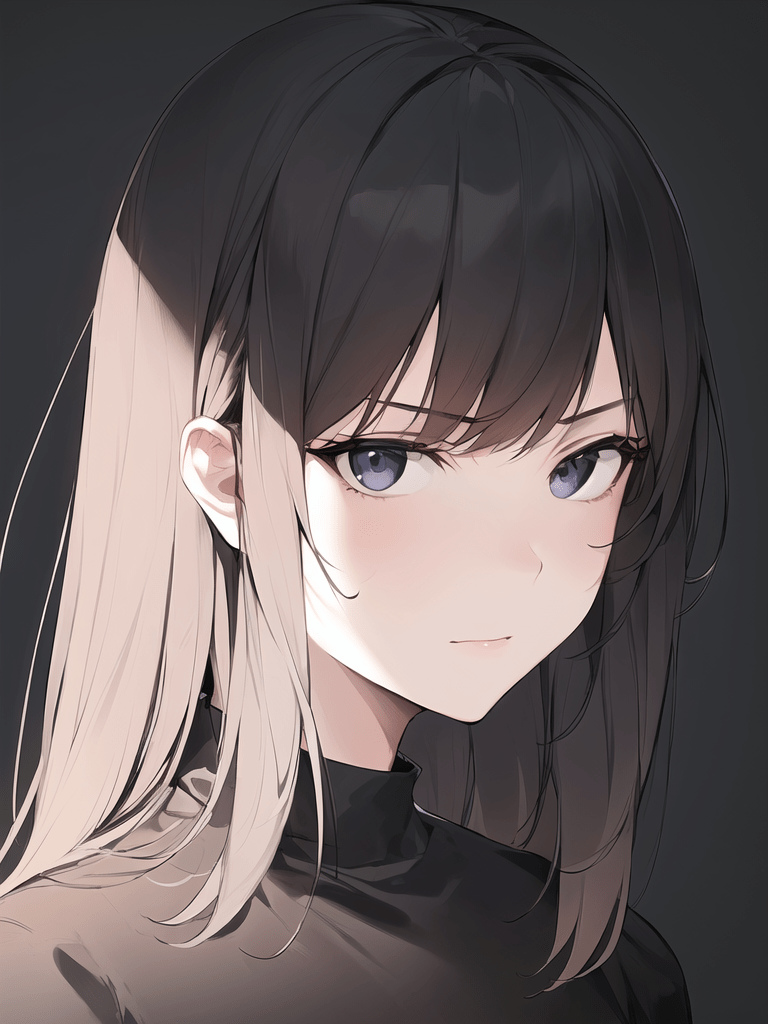
Anything v4.5.
Anything v4.5 offers everything you need to create manga-style art as it was trained on heaps on anime images.
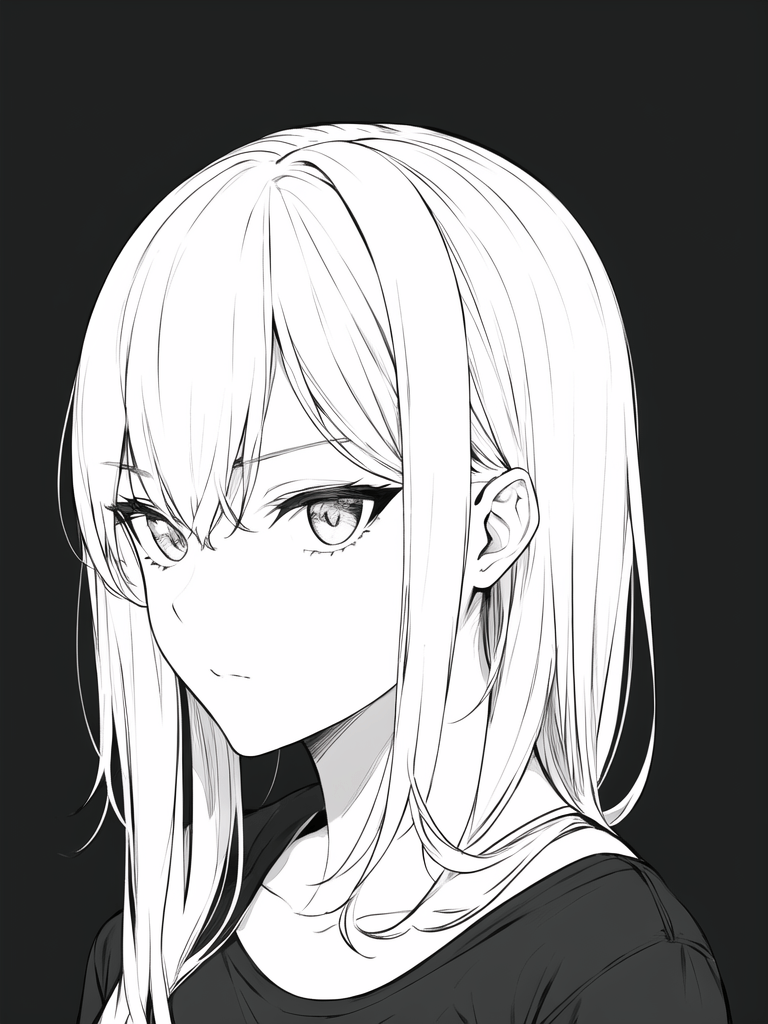
Anime Lineart / Manga-like Style.
This Lora greatly simplifies the process of creating lineart, making it incredibly easy for us. All you have to do is incorporate it into your prompt.
Sampling steps.
To generate high-quality manga images I would recommend 20 normal steps and then 10 additonal Hi-res fix steps with the SwinIR 4x upscaler at a denoising strength of 0.6.
Prompting.
Generating anime imagery is fairly straight-foward. Generally, I use DPM++ 2M Karras. have one main prompt template for generating anime art, it goes as follows:
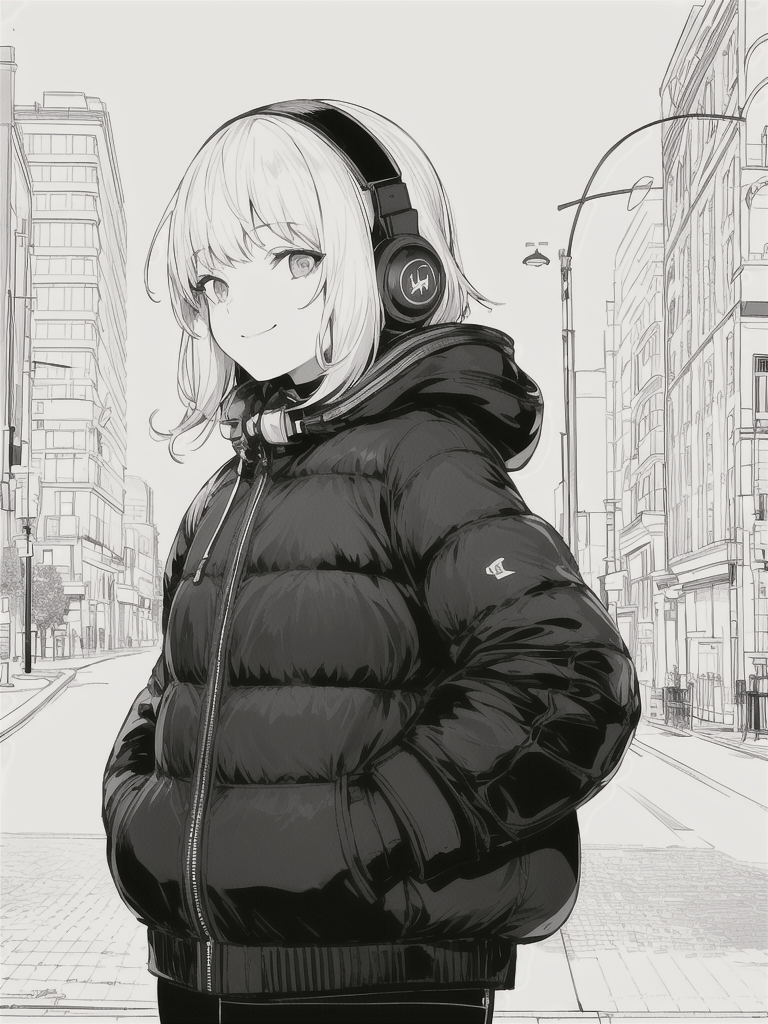
{man or woman}, {hair style, i.e short hair}, {clothing i.e puffer coat, headphones}, {location i.e street}, {expression i.e slight smile.}, {action i.e hands in pockets, looking at viewer}, line art, greyscale, <lora:animeoutlineV4_16:1>The text within the {curly brackets} are what you change to suit your desired image. That’s the luxury of generating anime images, you can input incredibly simple prompts and get what you desire.
Girl listening to music in a puffer jacket.
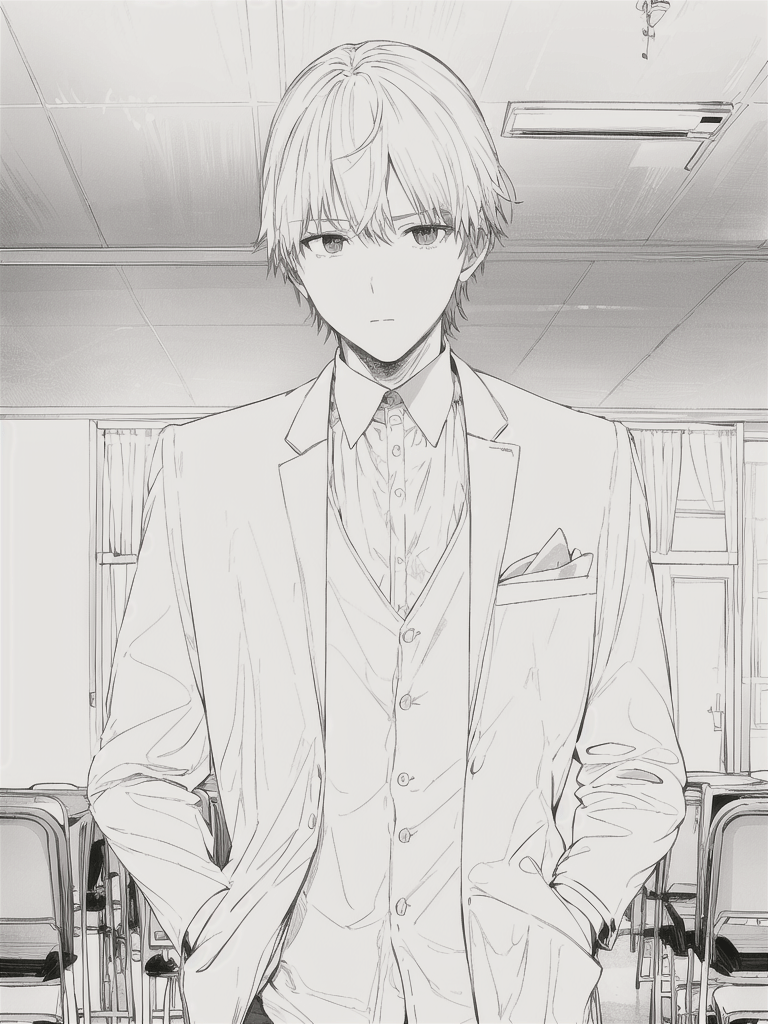
Boy standing in a classroom in a dinner suit.
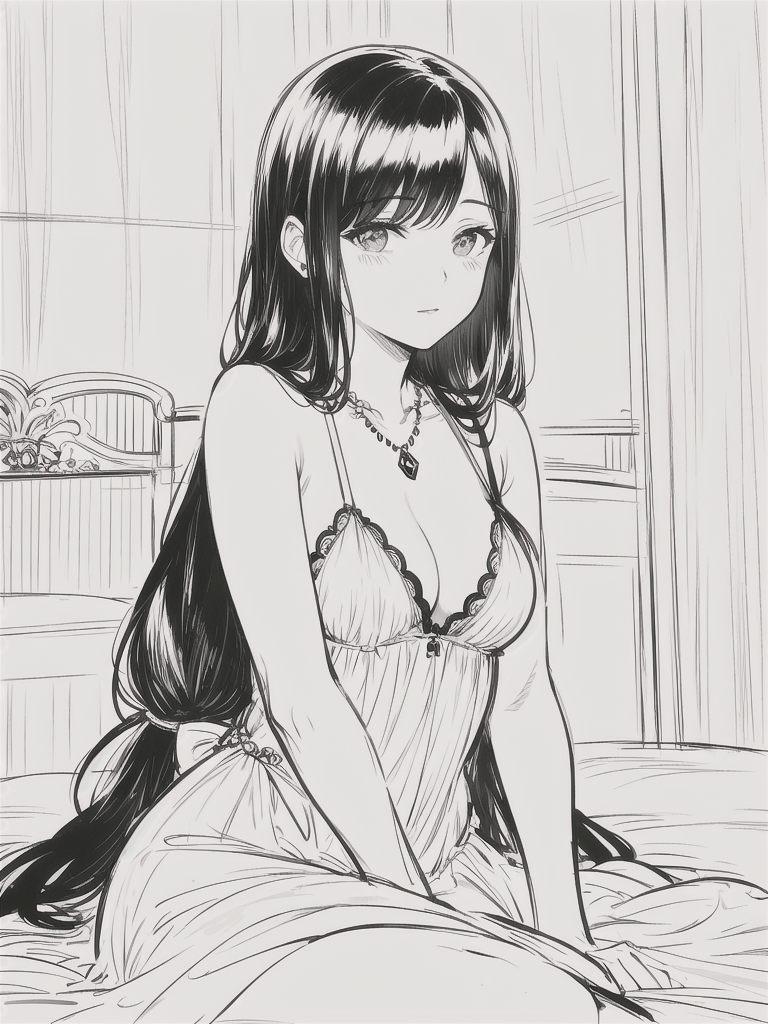
Woman sitting in her bedroom in a dress.
 James Beltman