
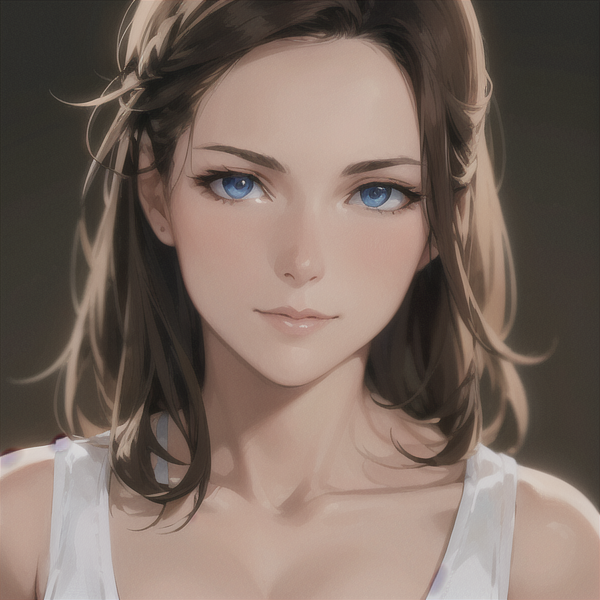
prompt guide
My guide for turning your photos into anime.
My incredibly simple guide for turning any photo into an anime-style art piece.
First things first, we need an anime model.

Anything v4.5.
Anything 4.5 has everything we need to convert our images into anime-style artwork. It was trained on a huge collection of anime images, so it has a good understanding of how to create that anime look.
img2img sampling steps.
To generate high-quality images I would recommend 30 steps with a CFG scale of 11.
Denoising strength.
You’ve got two options to choose from here: either 0.5 or 0.6. A strength of 0.5 will stay more true to the image. 0.6 will let it be more creative.
Prompting.
Prompting is extremely staright foward. I just like to roughly describe the image. The only thing I always type is:
detailed face, ((colorful))Without “((colorful))” the resulting image always comes out muted in its colour palette.
The negative prompt I use is only slightly more involved, it just ensures there won’t be any signatures or watermarks placed over our creation:
(signature:1.2),(artist name:1.2),(watermark:1.2)Examples of usage:
Woman taking a selfie.
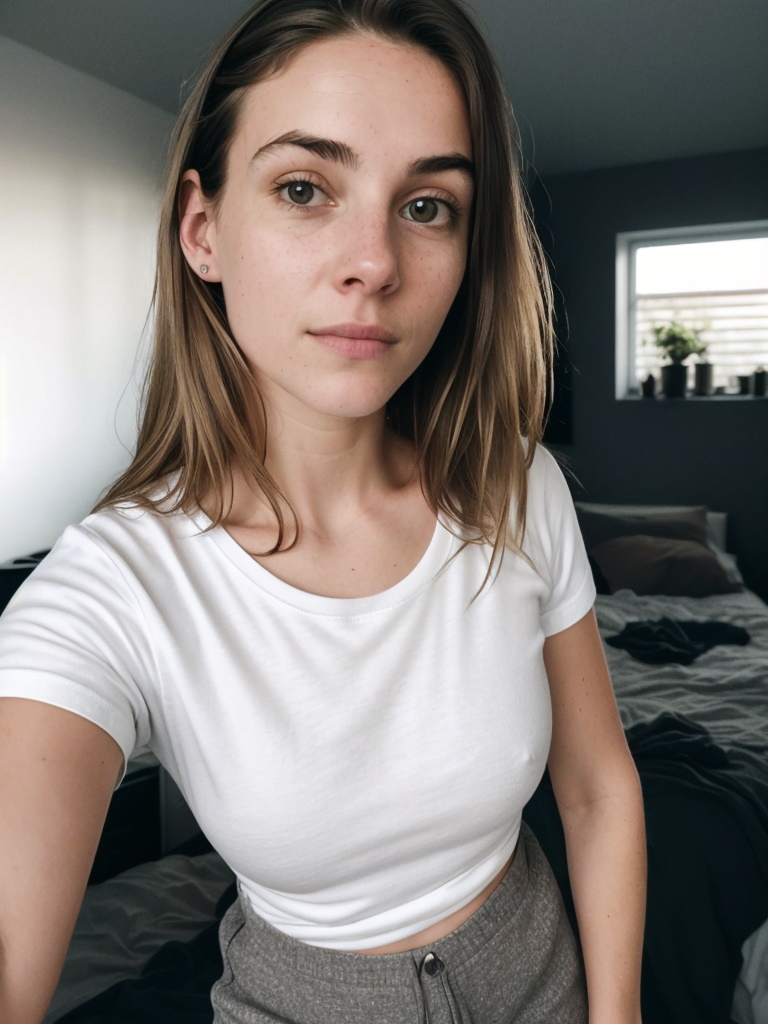
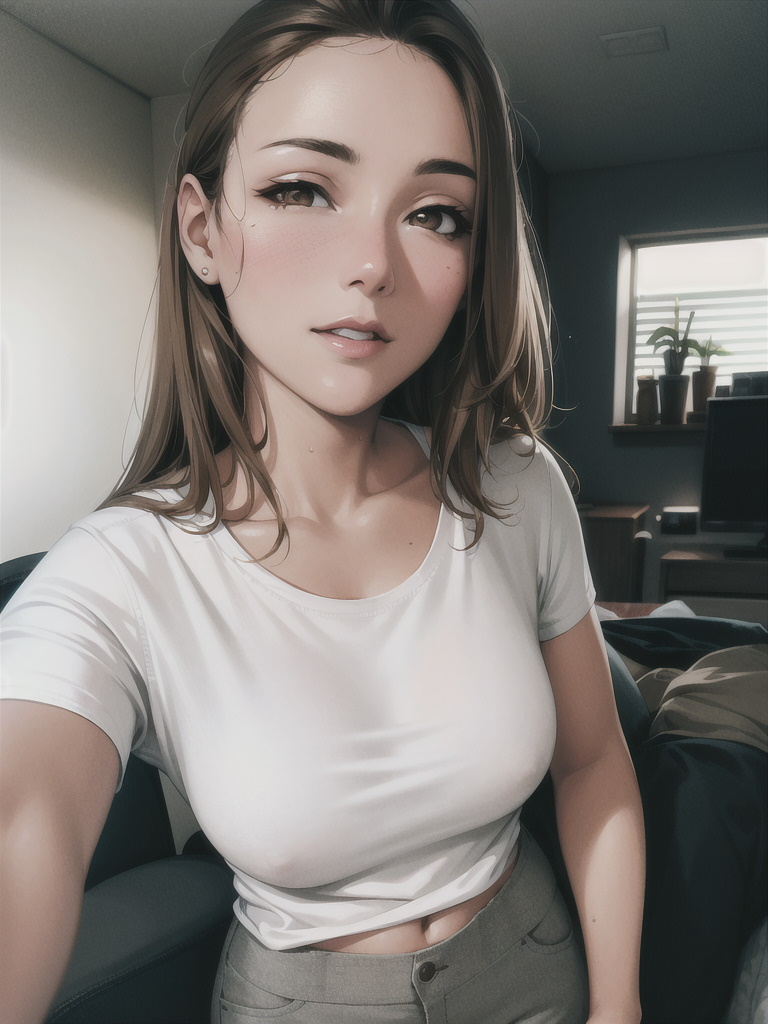
Denoising strength of 0.5.
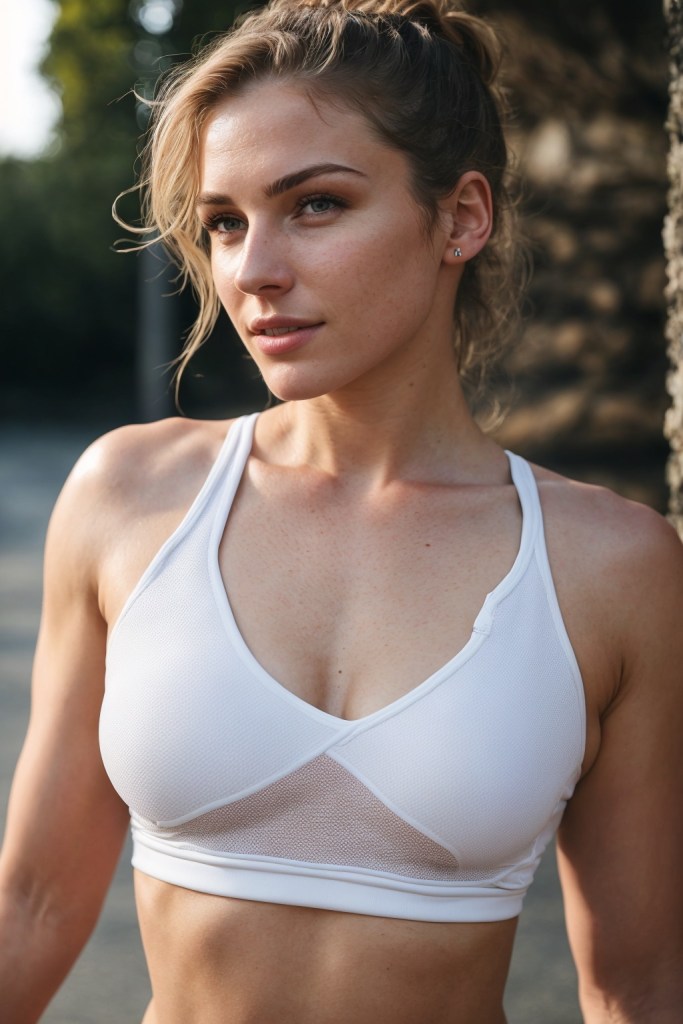
Woman from the side.


Denoising strength of 0.6.
Woman standing in leaves.
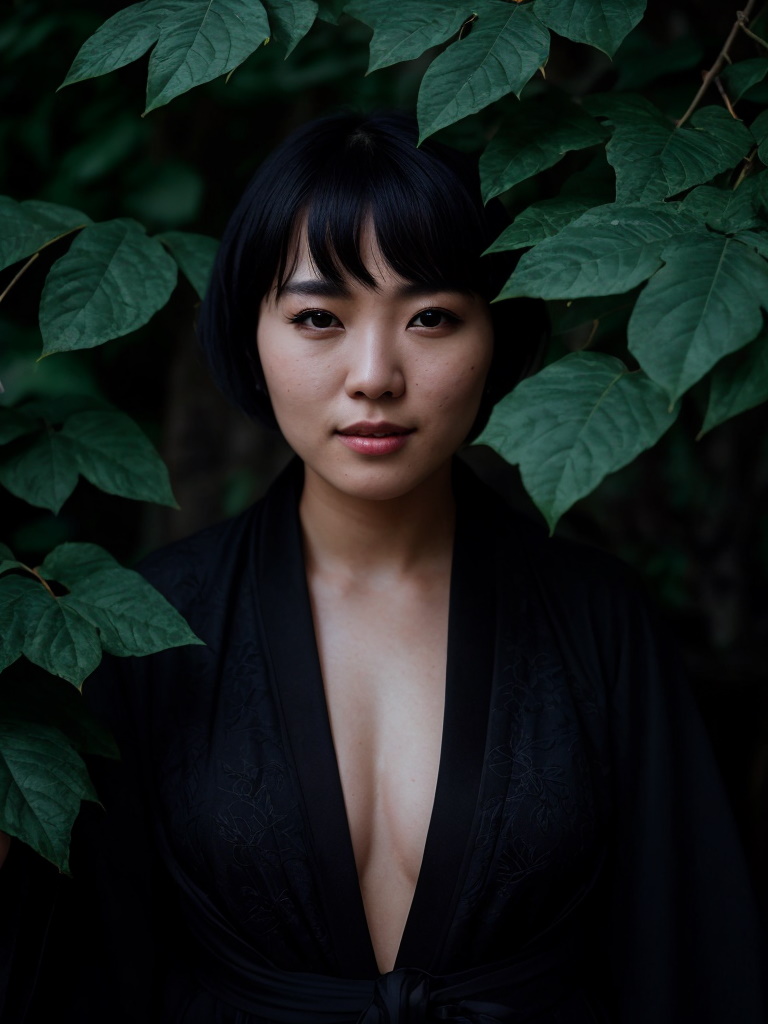
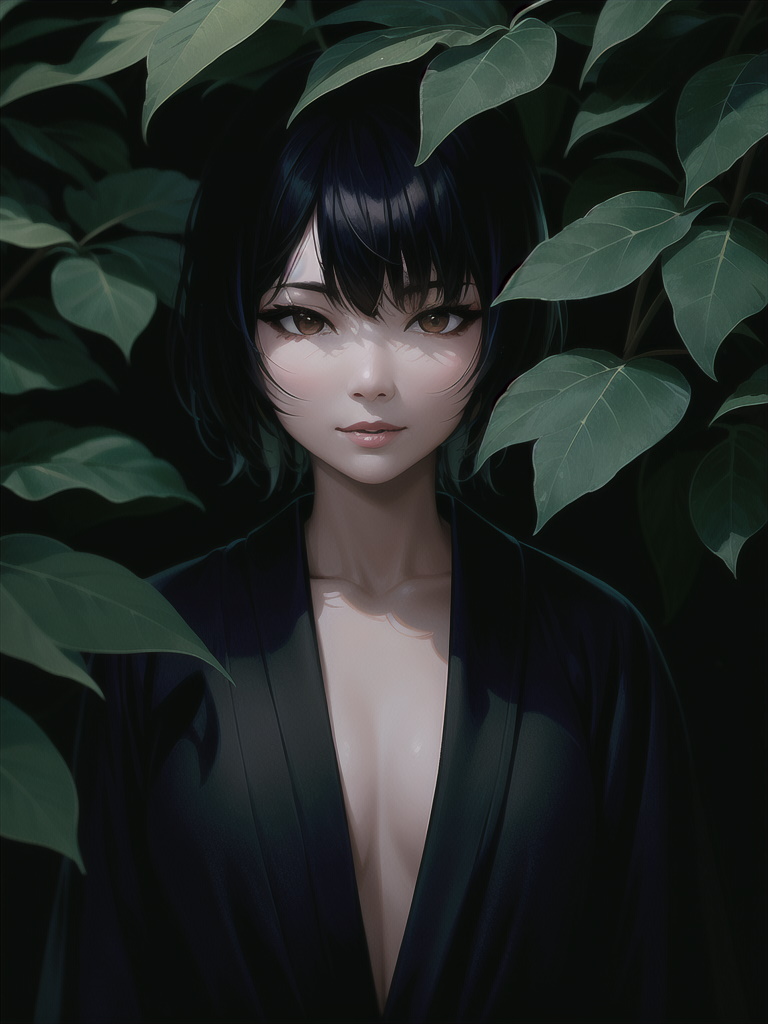
Denoising strength of 0.6.
Guess what I bet you didn’t notice?
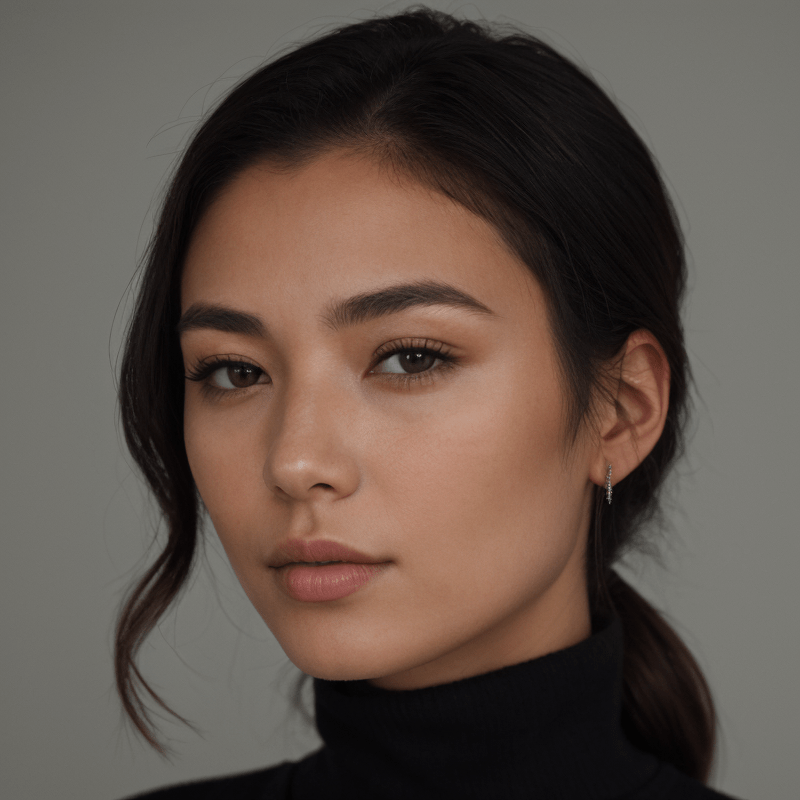
Did you notice?
The woman featured in the comparison image, right there at the top of the page, was generated by me using Stable Diffusion. In fact, every image on this page was generated by me using Stable Diffusion. Pretty cool, right? I’ve put together an extensive premium guide that delves deep into my personal method for creating characters so remarkably realistic that they become virtually indistinguishable from real photographs. So, If you’re eager to master the art of crafting lifelike characters, then my guide is for you.
 James Beltman